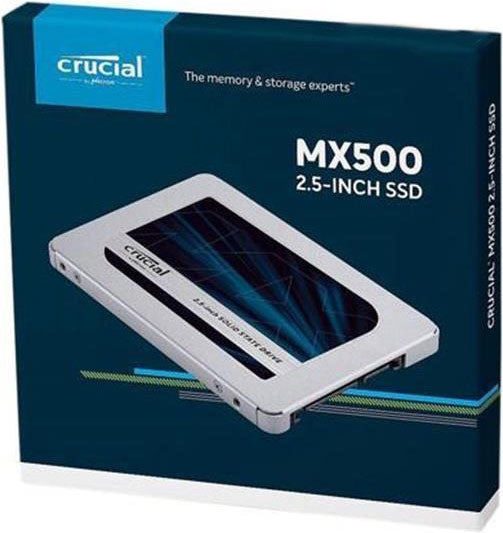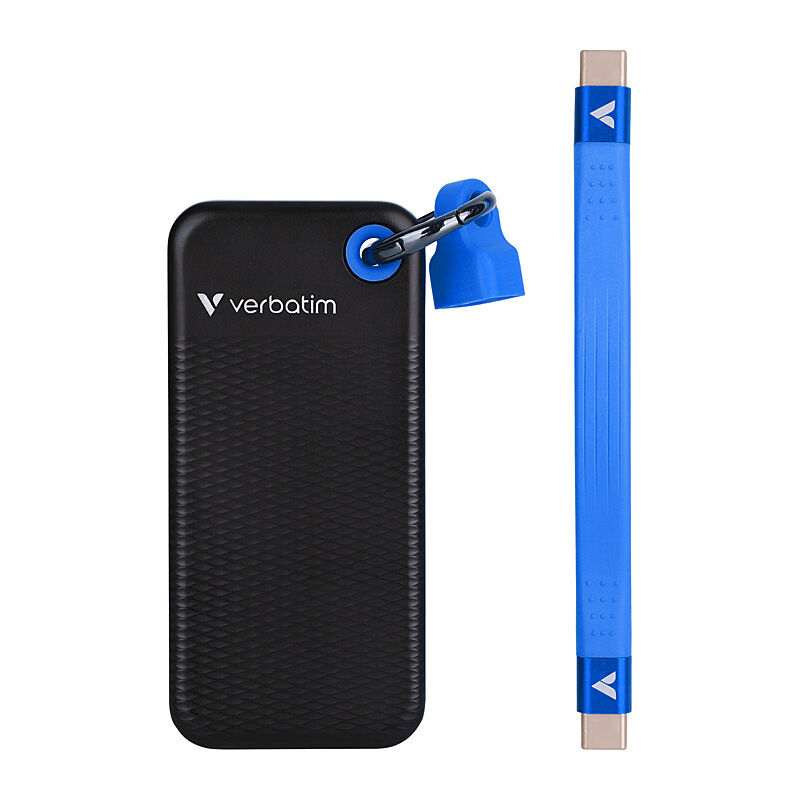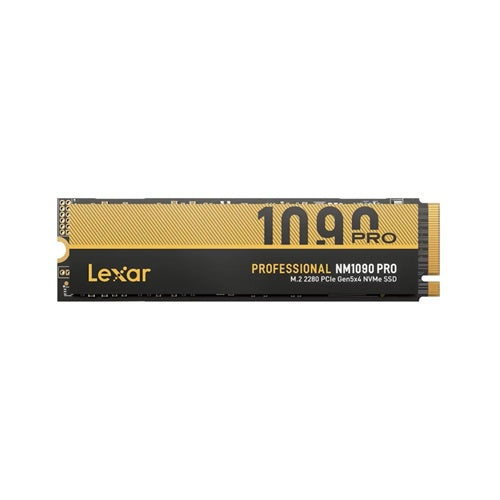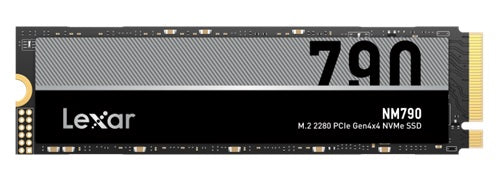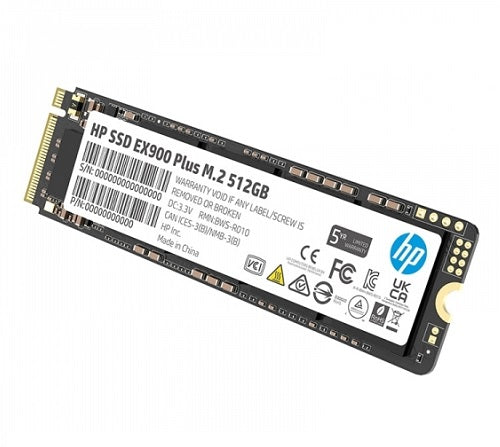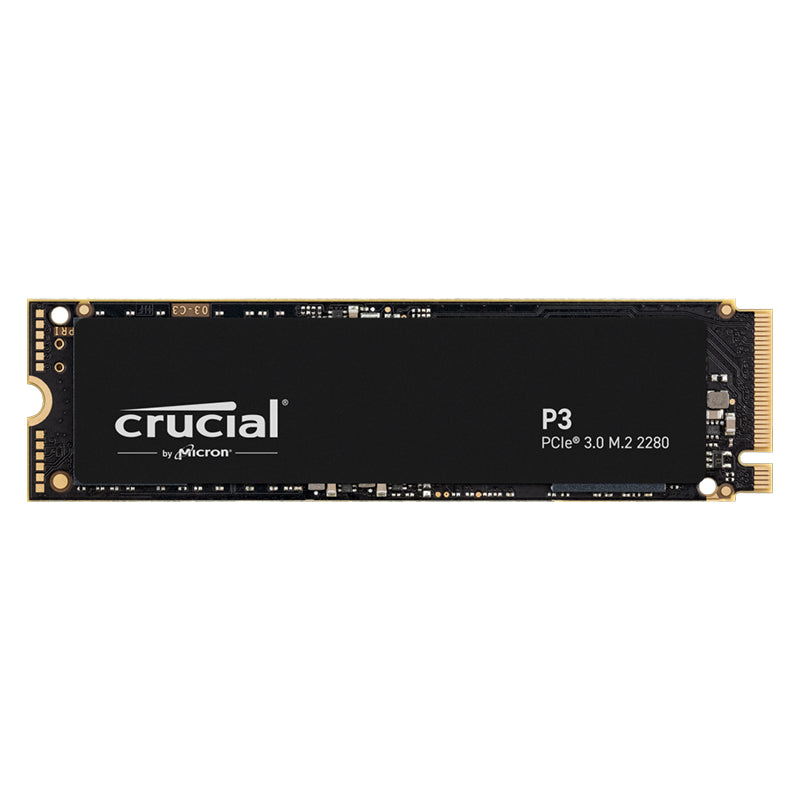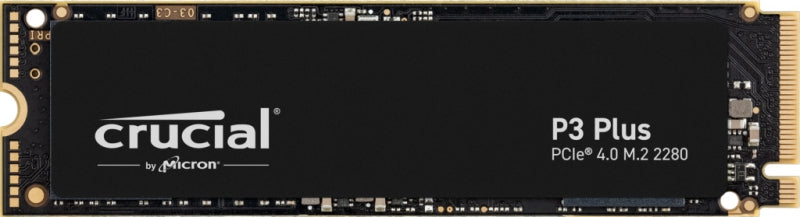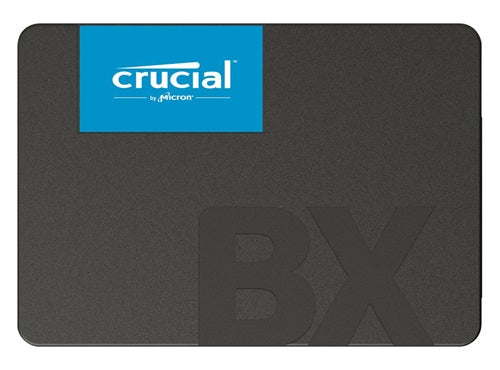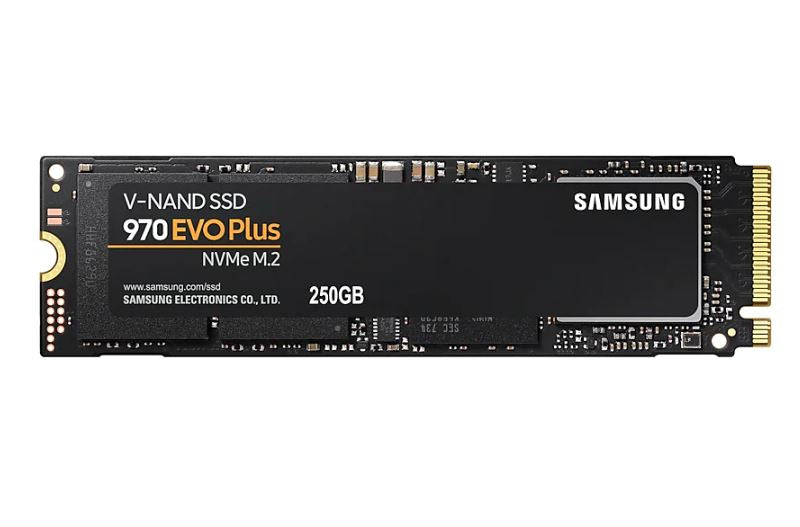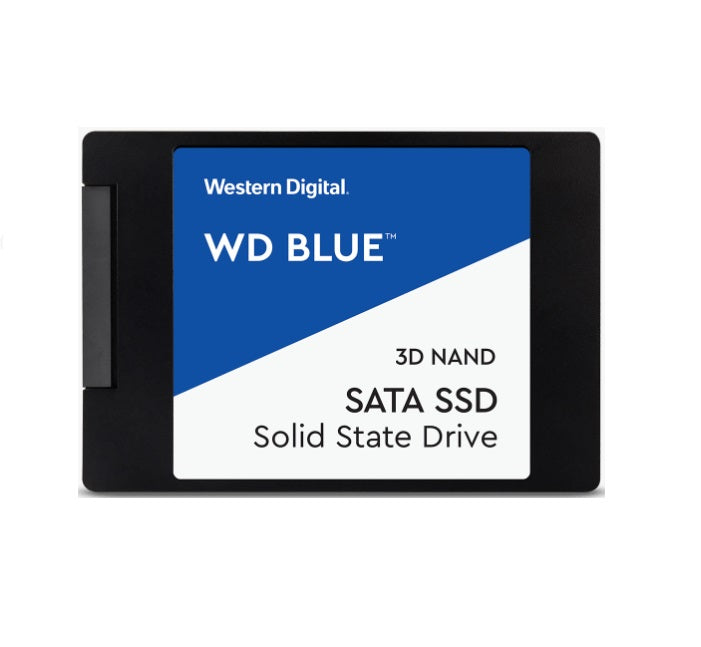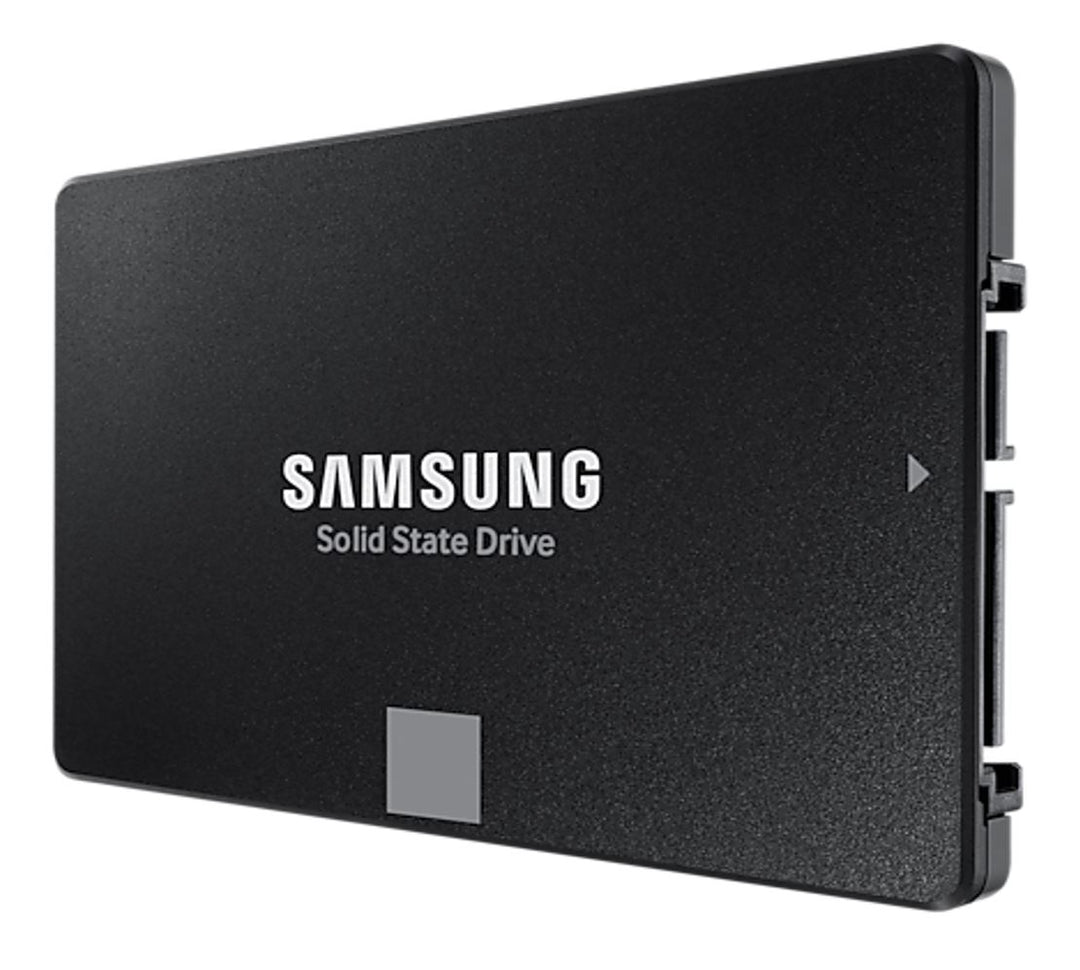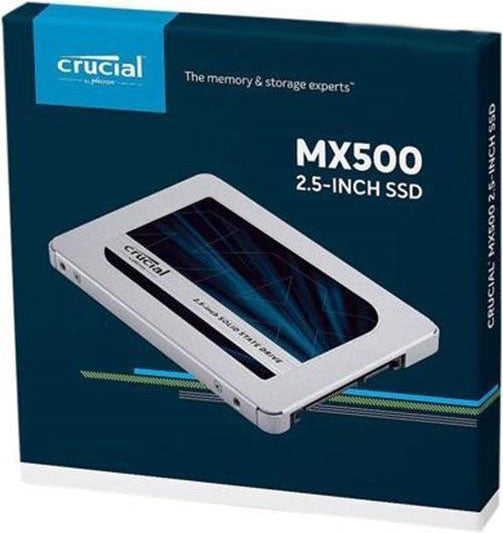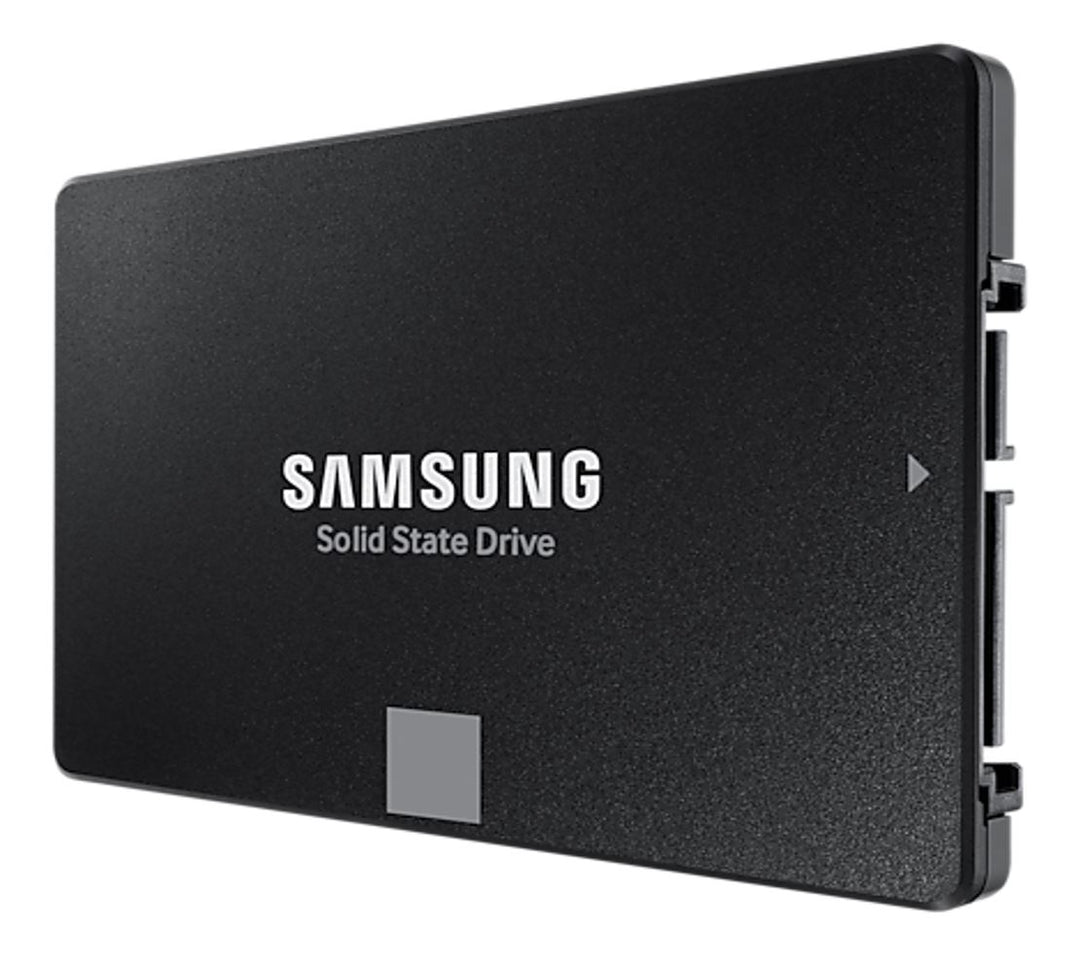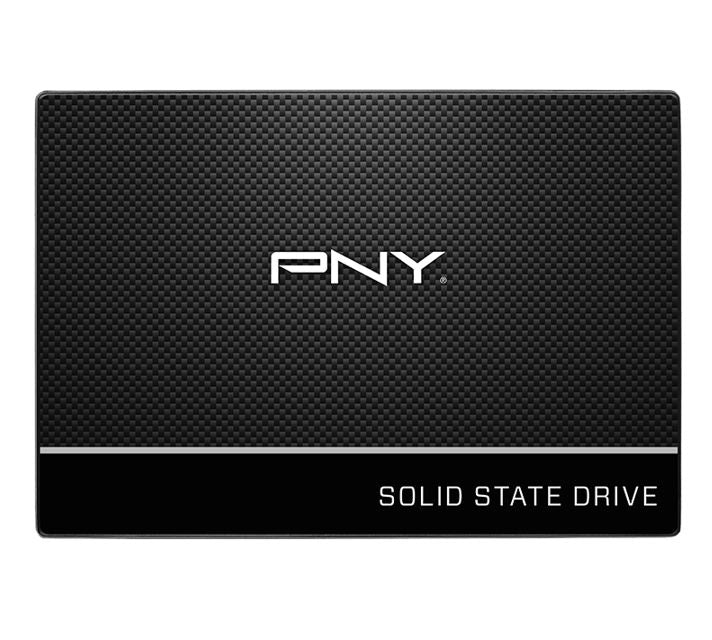

Explore solid state drives at WorldTech for desktop and laptop upgrades, PC builds and portable file storage. Compare 2.5-inch SATA SSDs, M.2 NVMe drives and portable USB SSDs from brands including Crucial, Samsung, Western Digital, Lexar, HP, PNY and Verbatim, alongside SSD docking and cloning accessories.
Choose the right SSD for your storage needs
- Internal drive compatibility: Check whether your system supports 2.5-inch SATA or M.2 NVMe storage. For M.2 drives, confirm the supported interface, module length and available slot.
- Capacity: Allow room for your operating system, applications, games and files, plus future storage needs.
- Performance: Compare read and write specifications for the exact capacity and model. Actual speeds depend on your system, connection and workload.
- Portable storage: Match the USB interface, connector and cable to your device. A USB-C connector alone does not establish the supported transfer speed.
- Endurance and cooling: Review write endurance ratings and any heatsink or airflow requirements, particularly for sustained workloads.
- Specialist storage and accessories: For NAS SSDs, confirm your NAS manufacturer's compatibility guidance. For docks and duplicators, check supported drive interfaces, sizes and cloning requirements.
Drive interfaces and form factors are not interchangeable. Review individual product specifications and your device documentation, and back up important data before replacing or cloning a drive.