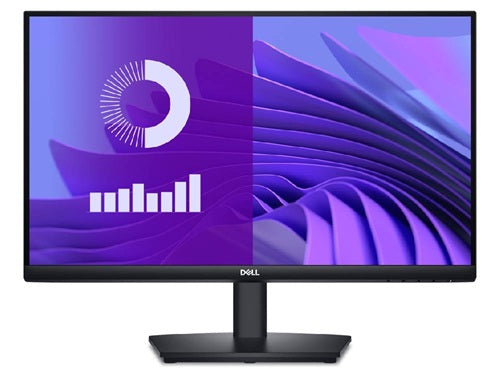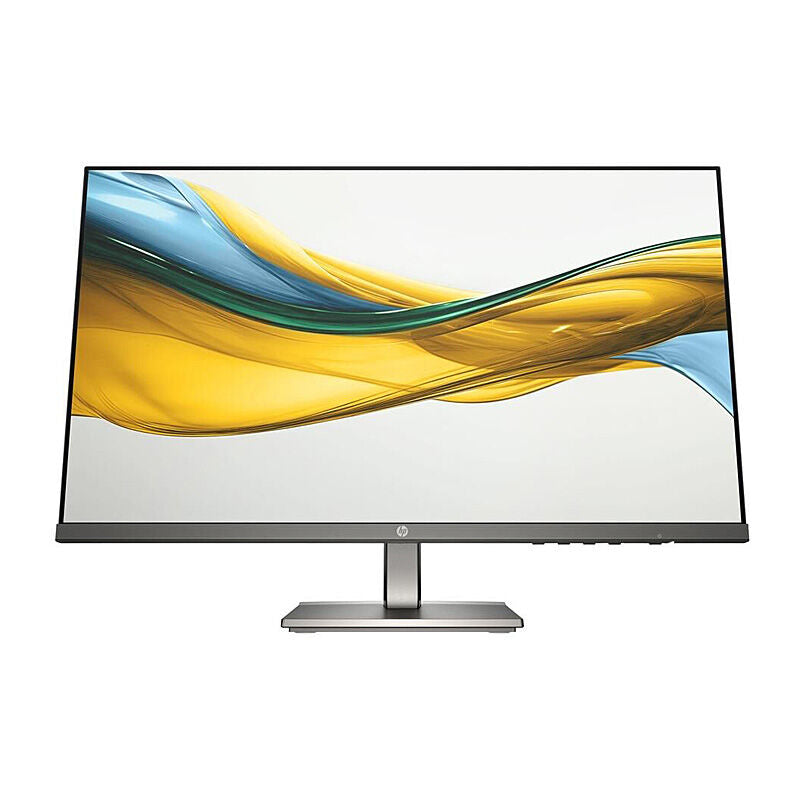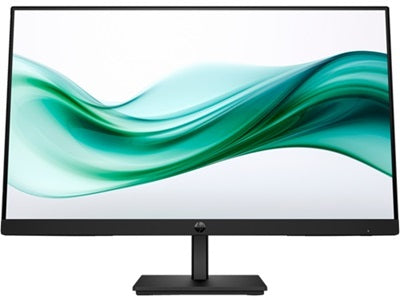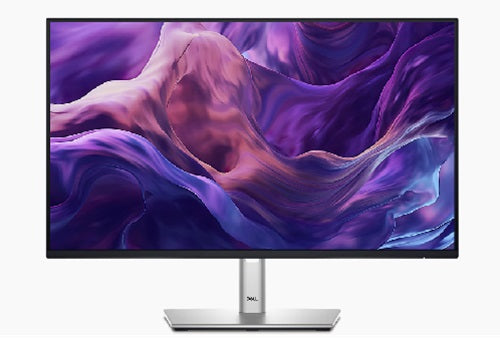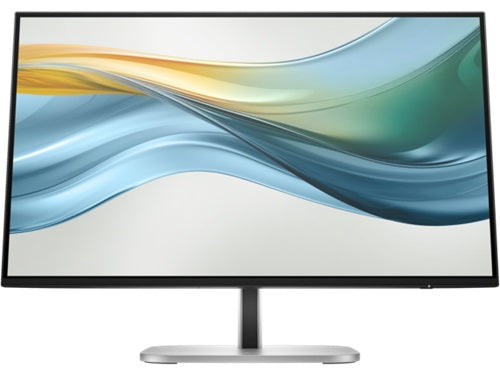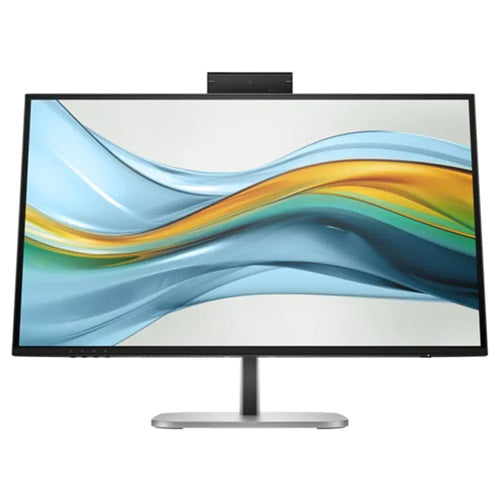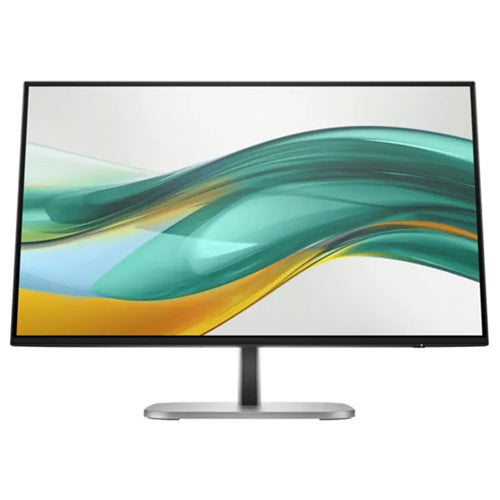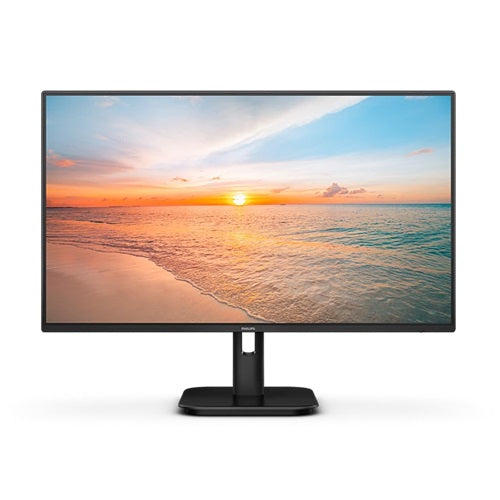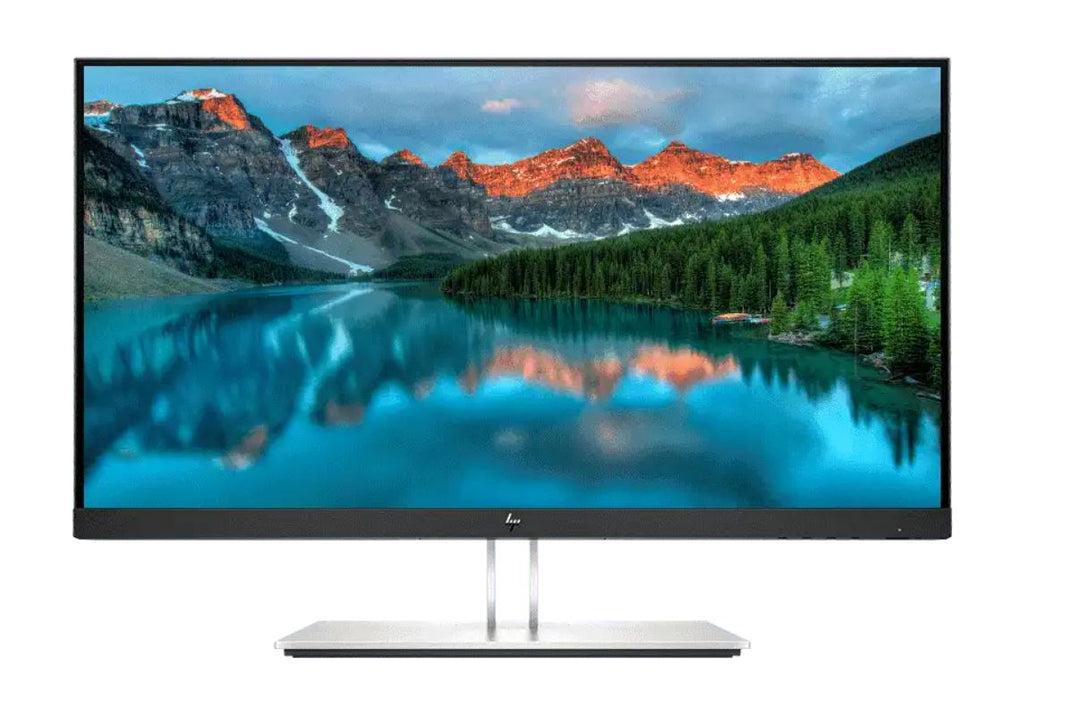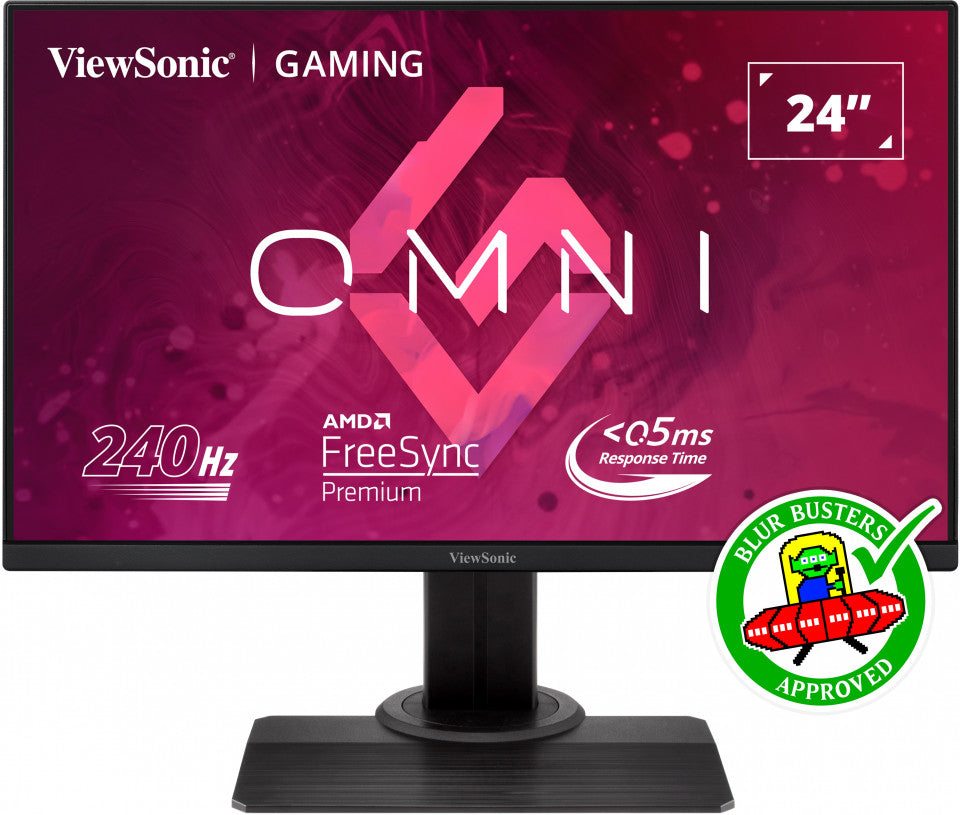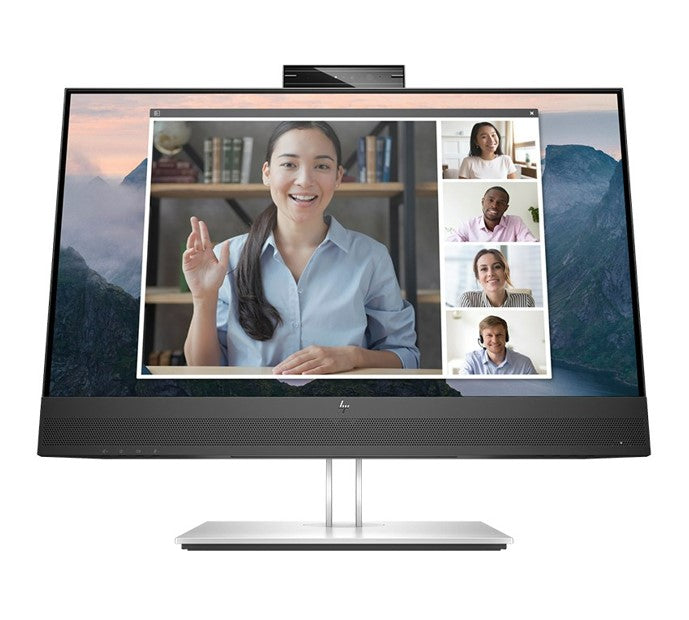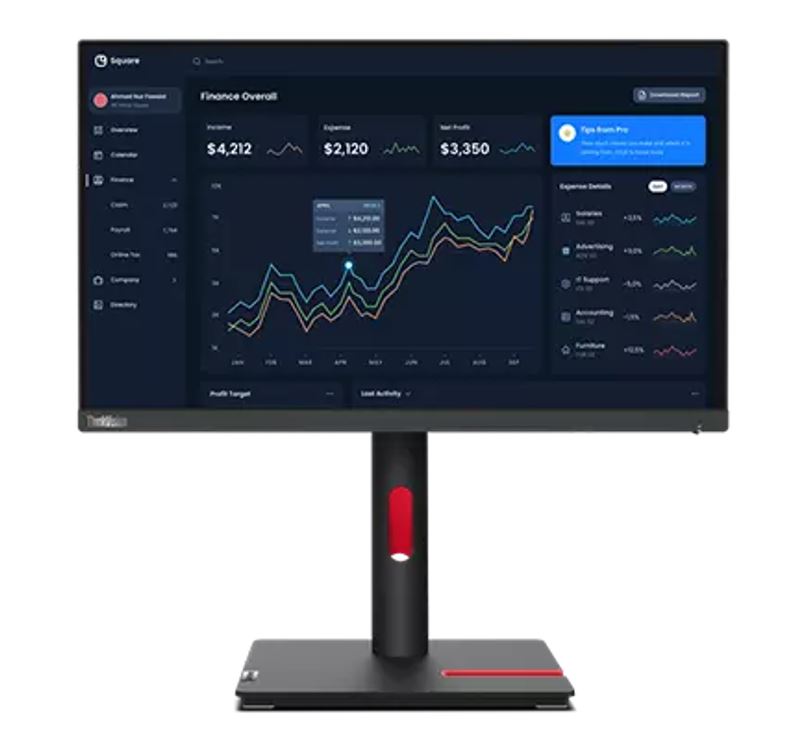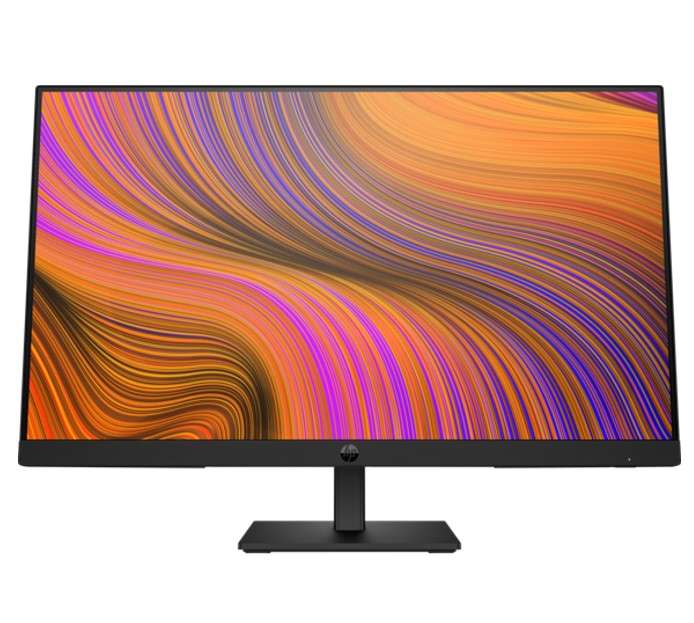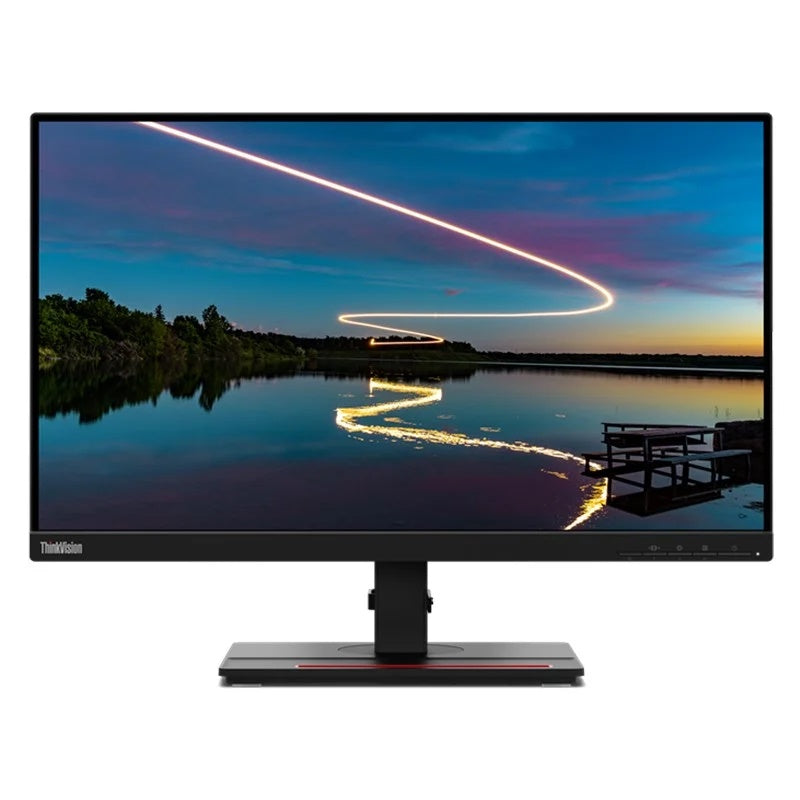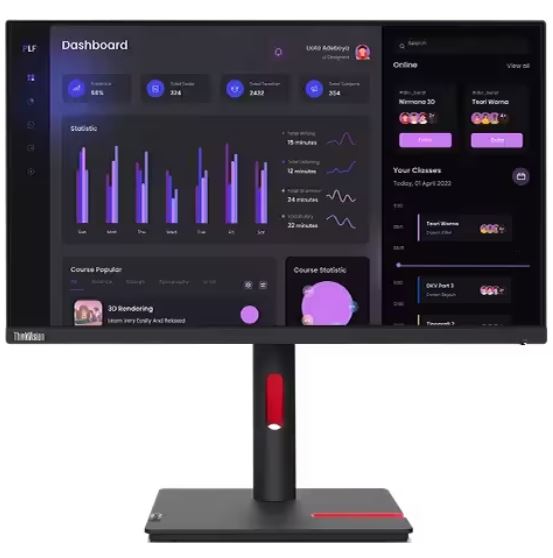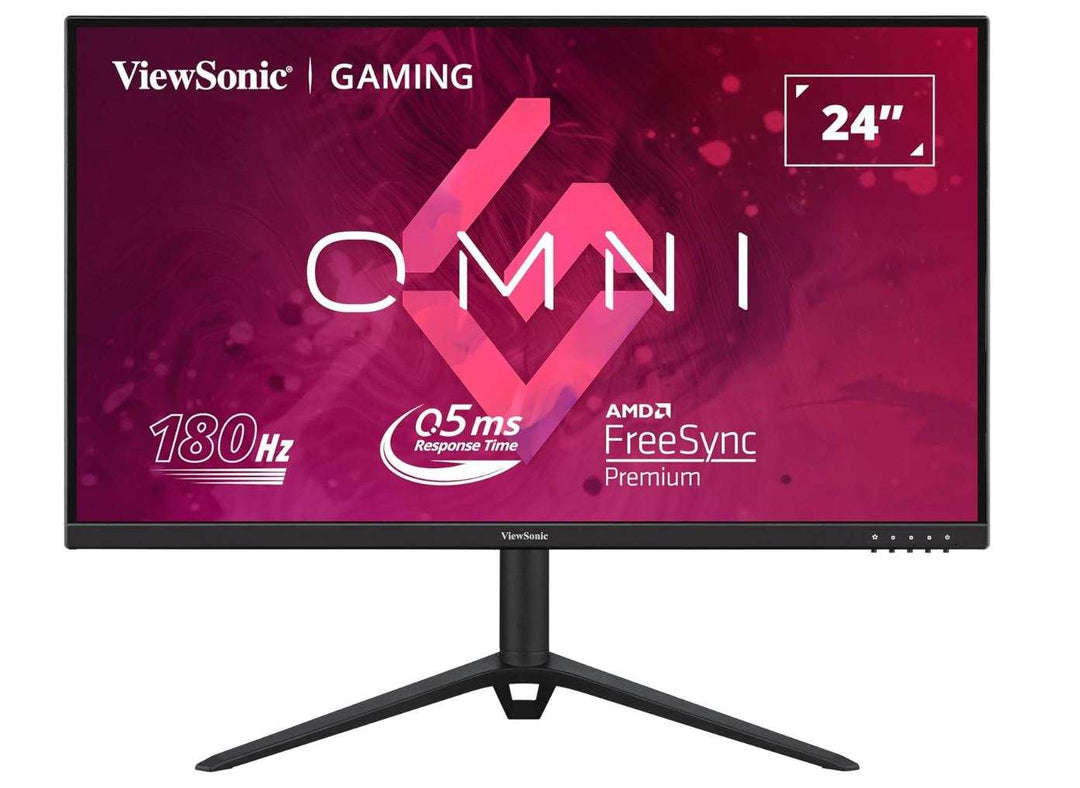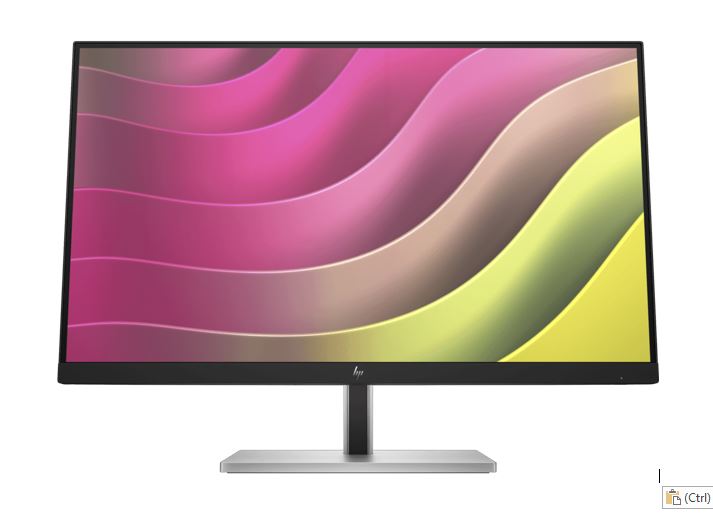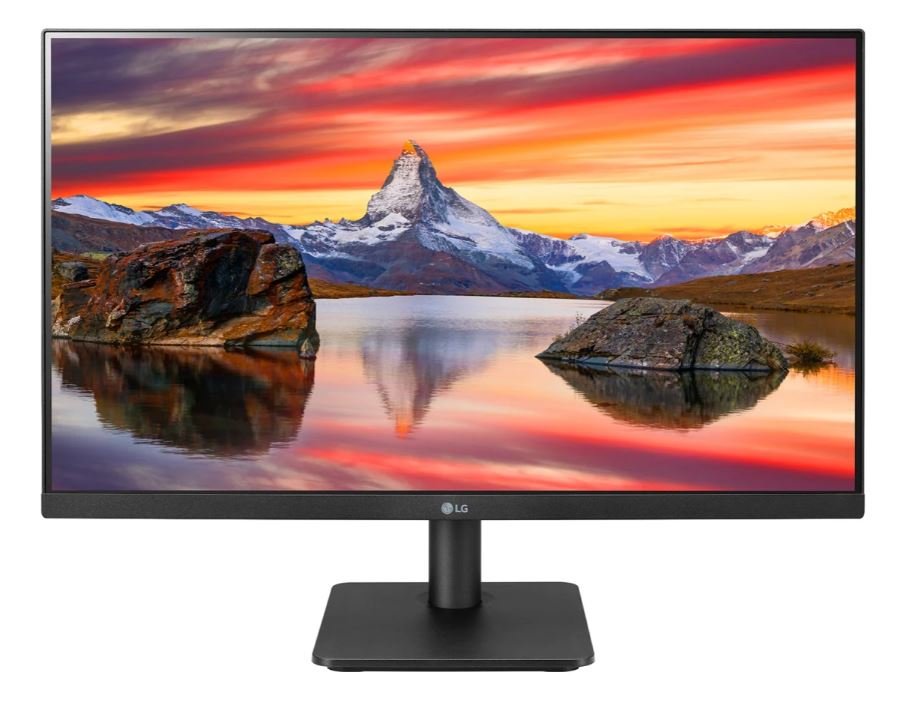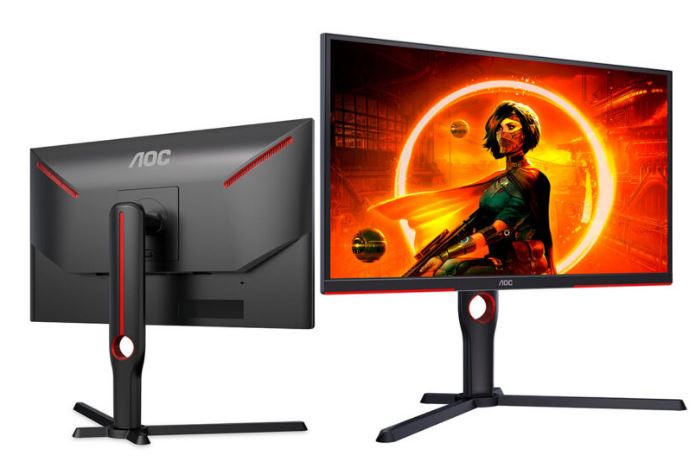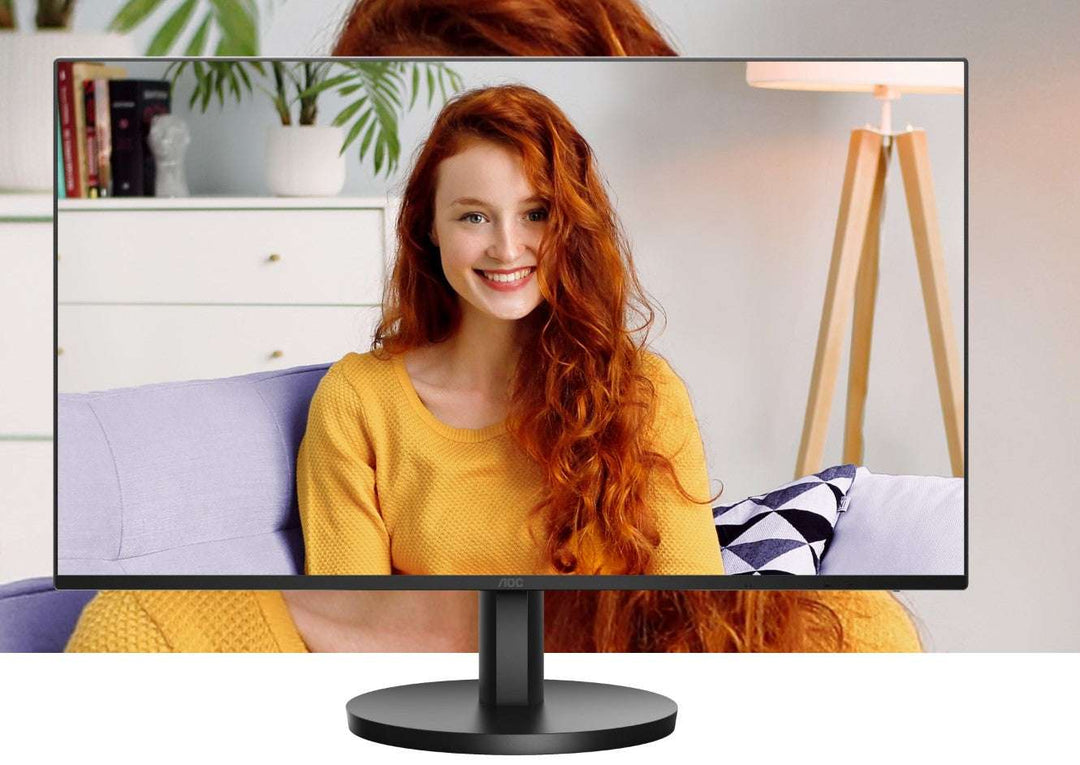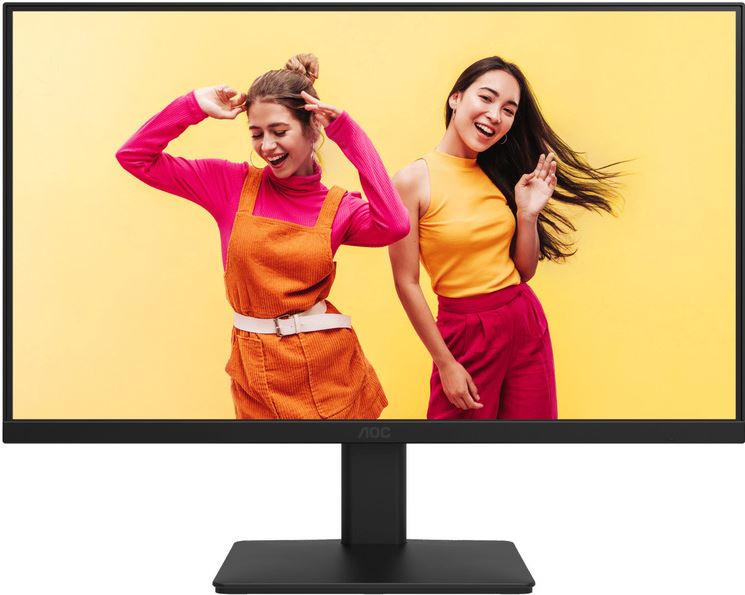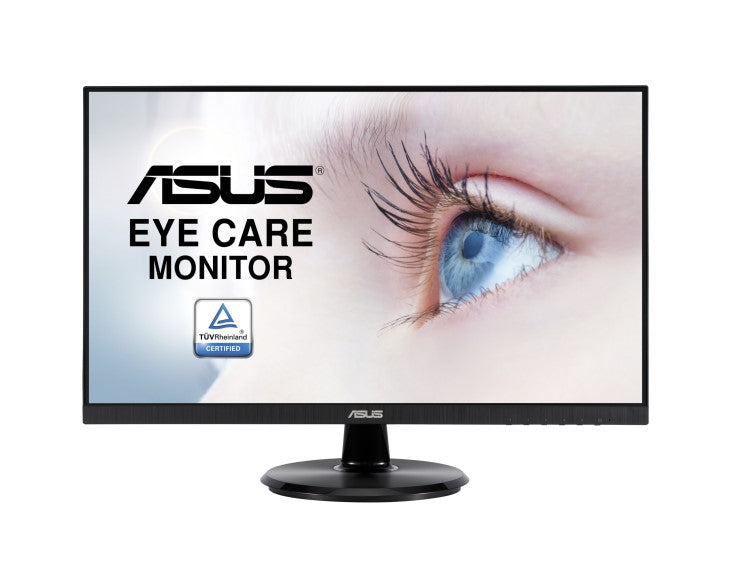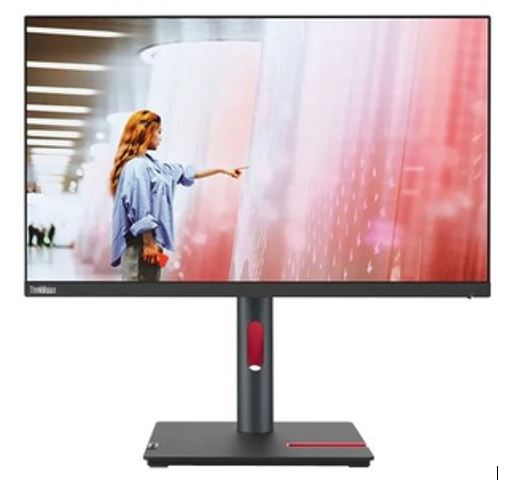

Explore 23-inch to 26-inch monitors at WorldTech for everyday work, home offices and gaming setups. Compare resolution, panel specifications and connections to choose a screen that suits your desk, computer and applications.
Choose the right monitor for your setup
- Screen size and desk space: Check the exact screen diagonal, overall dimensions and stand depth, especially for dual-monitor arrangements.
- Resolution and readability: Compare native resolution and consider text scaling, viewing distance and the workspace your applications need.
- Panel specifications: Review viewing angles, brightness and colour specifications against your intended use.
- Gaming performance: Check refresh rate, response time and adaptive-sync support, along with your computer's ability to drive the chosen settings.
- Connections: Match HDMI, DisplayPort or other available inputs to your computer. Where USB-C is offered, verify its video and power-delivery capabilities.
- Ergonomics and mounting: Compare stand adjustments and check VESA compatibility and weight limits before choosing a monitor arm.
Features, cables and included accessories vary by model. Review individual specifications and compatibility before purchasing.