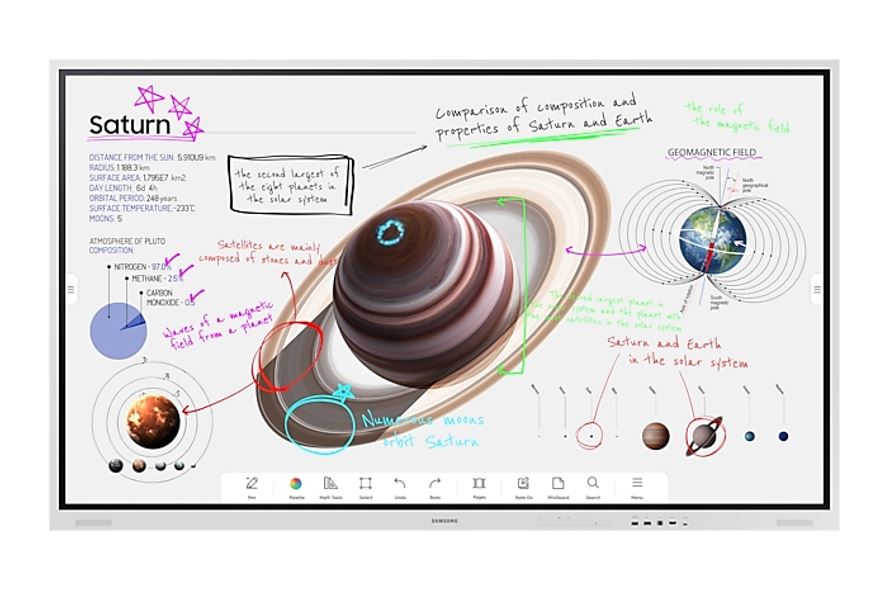

Explore professional displays, digital signage screens and TVs at WorldTech for business spaces and compatible AV installations. Compare screen size, resolution, brightness and model-specific features to choose a display suited to your content and viewing environment.
Choose the right display for your installation
- Size and viewing distance: Match screen dimensions and resolution to your available space, audience distance and the detail in your content.
- Brightness and environment: Check brightness specifications and suitability for indoor, semi-outdoor or other intended locations. A bright screen alone does not establish outdoor weather protection.
- Operating requirements: Confirm the model's supported daily operating hours and landscape or portrait installation options before planning a signage setup.
- Connections and playback: Review inputs, supported media sources and built-in playback features. Confirm whether a separate player, network connection or software subscription is required.
- Mounting and installation: Check VESA compatibility, dimensions, weight, ventilation and mounting requirements. Confirm whether a stand or mounting hardware is included.
Capabilities vary by model. Review individual specifications for TV reception, smart features, audio and commercial-use requirements before purchasing. Displays and signage software are separate parts of a solution unless the product listing explicitly includes both.