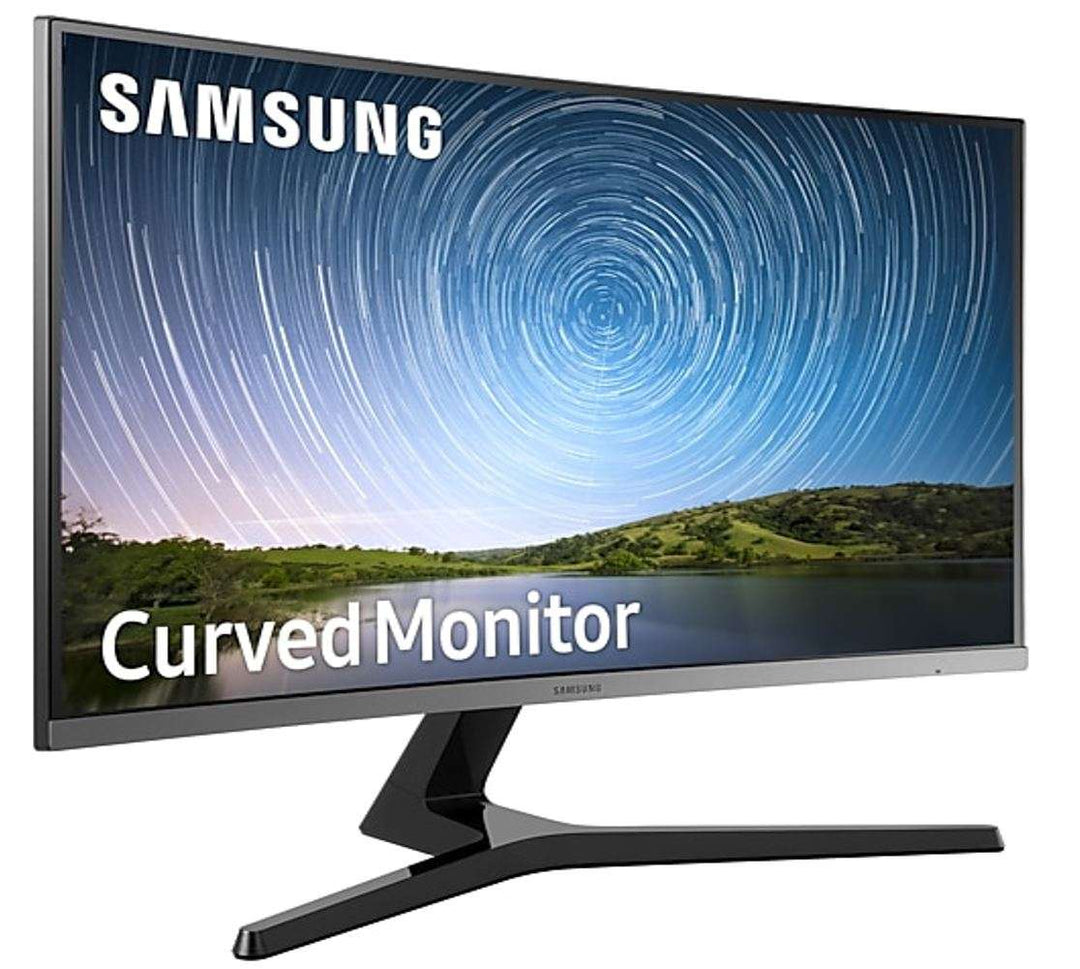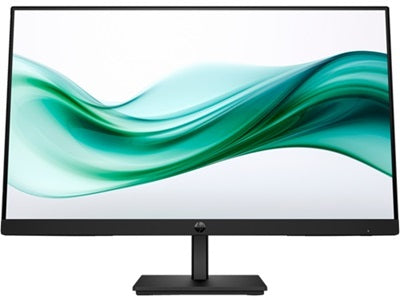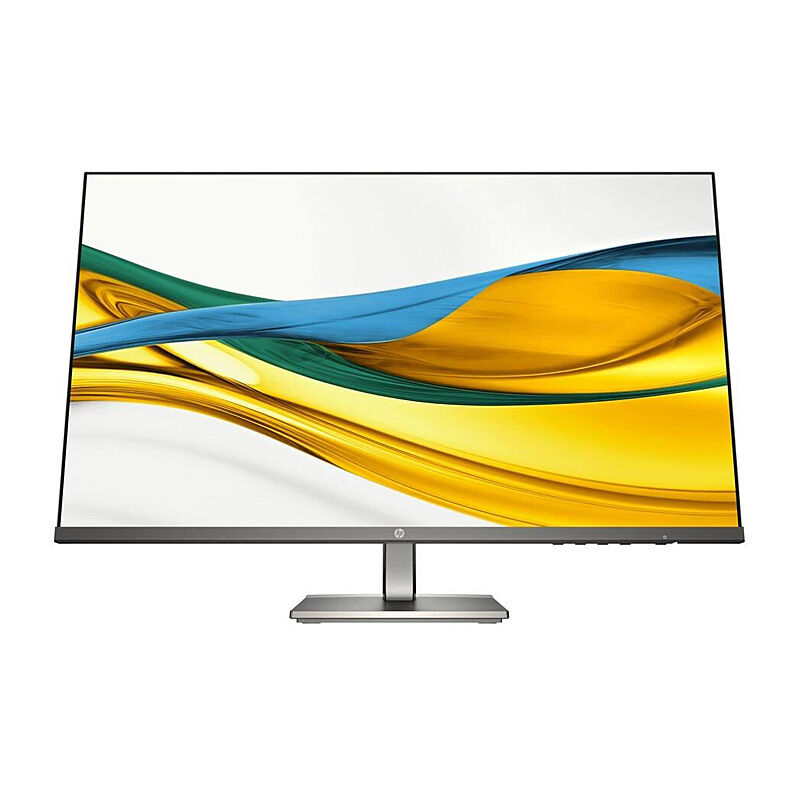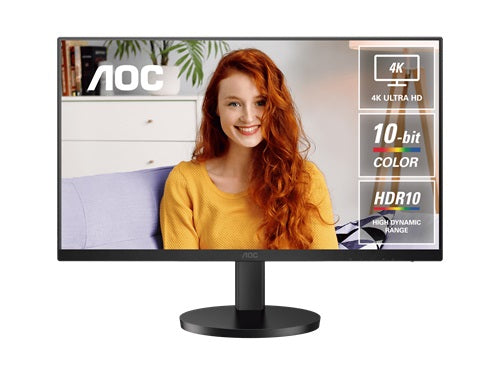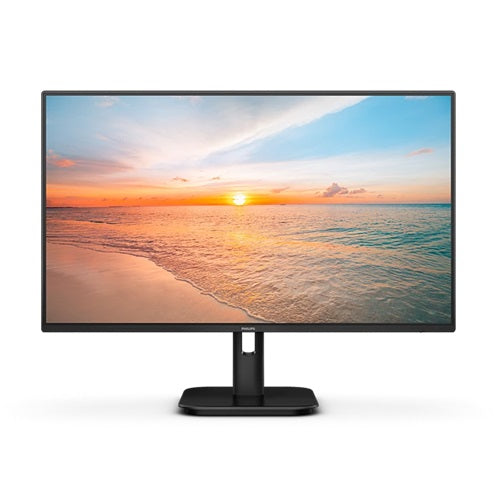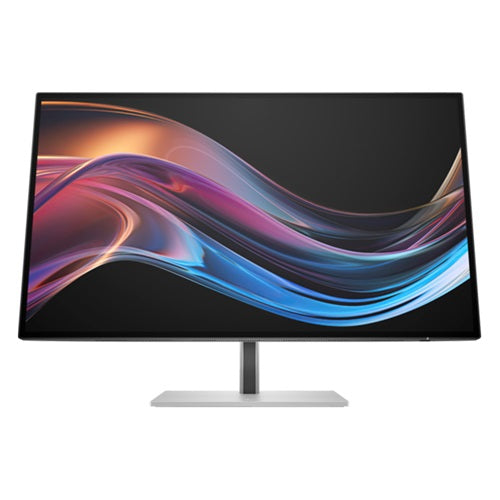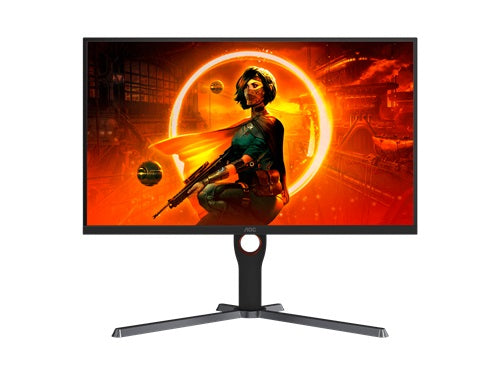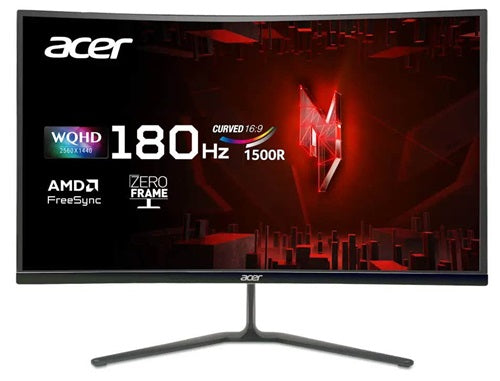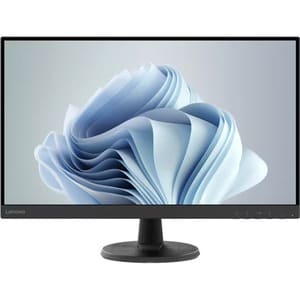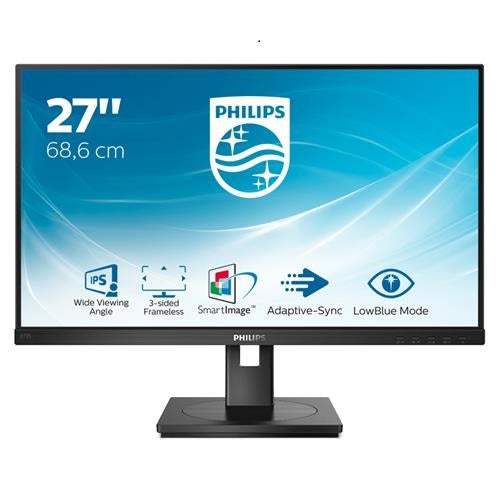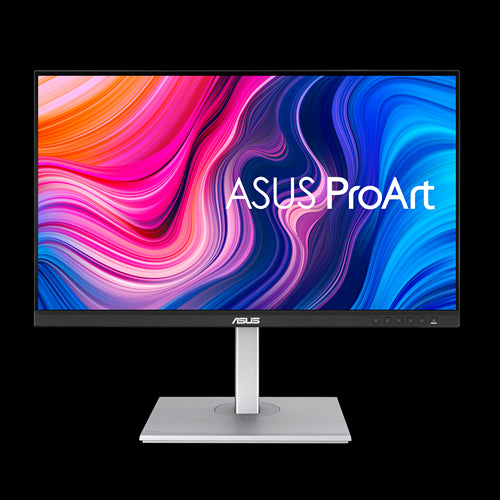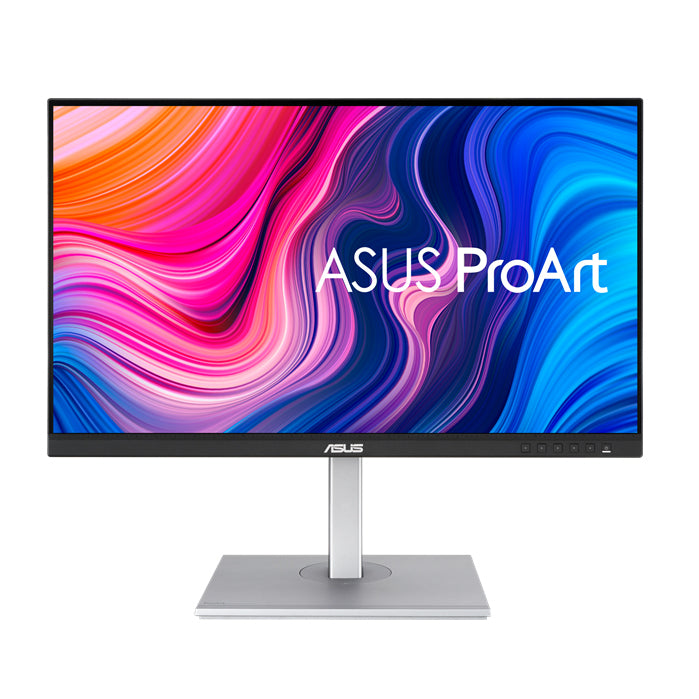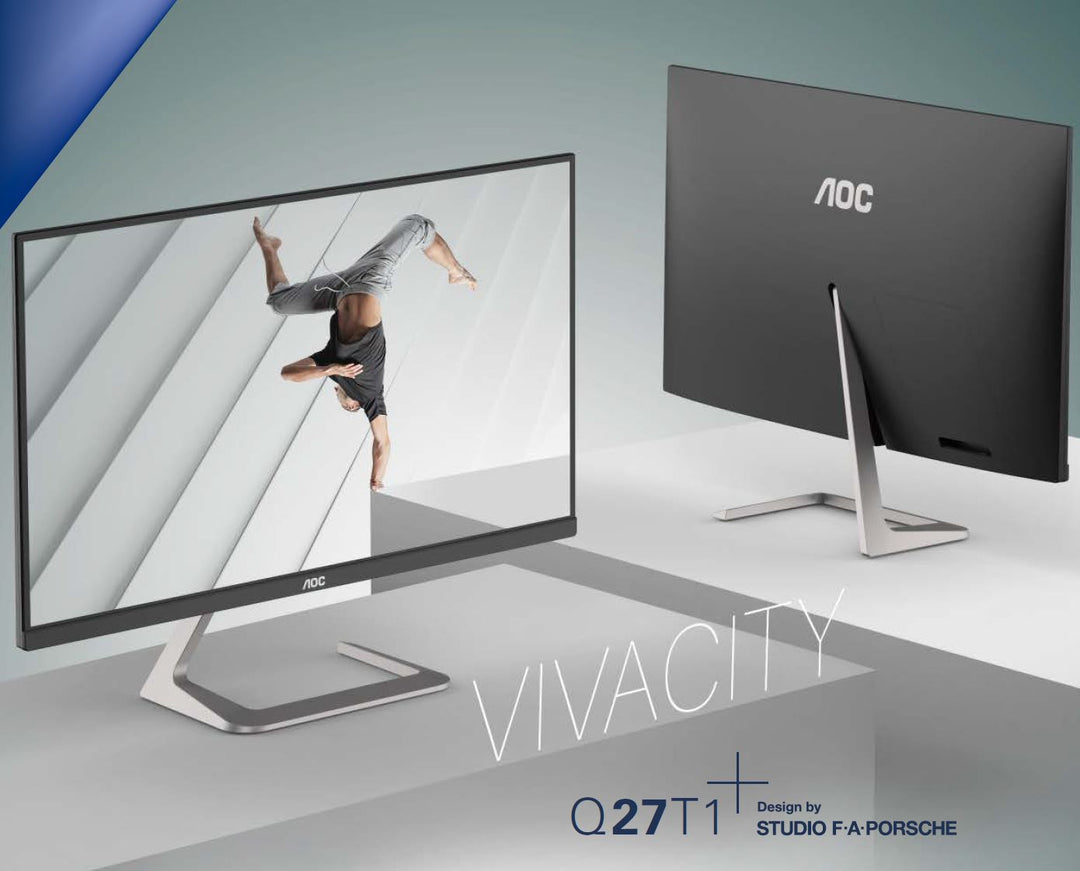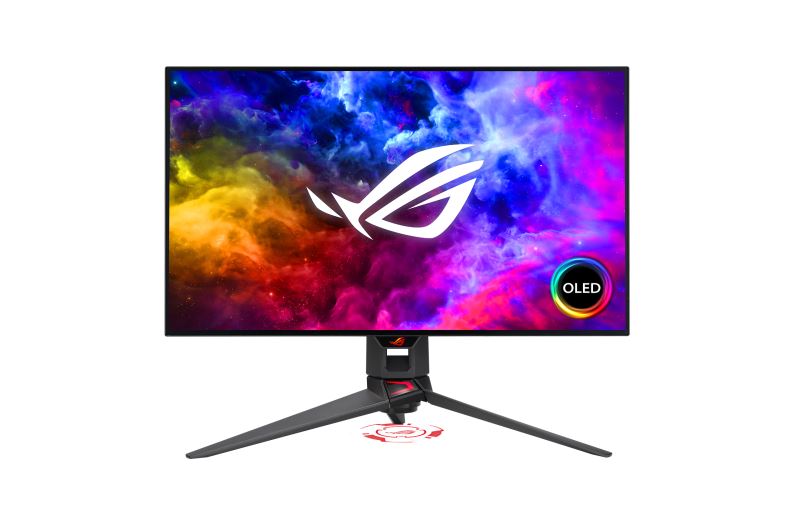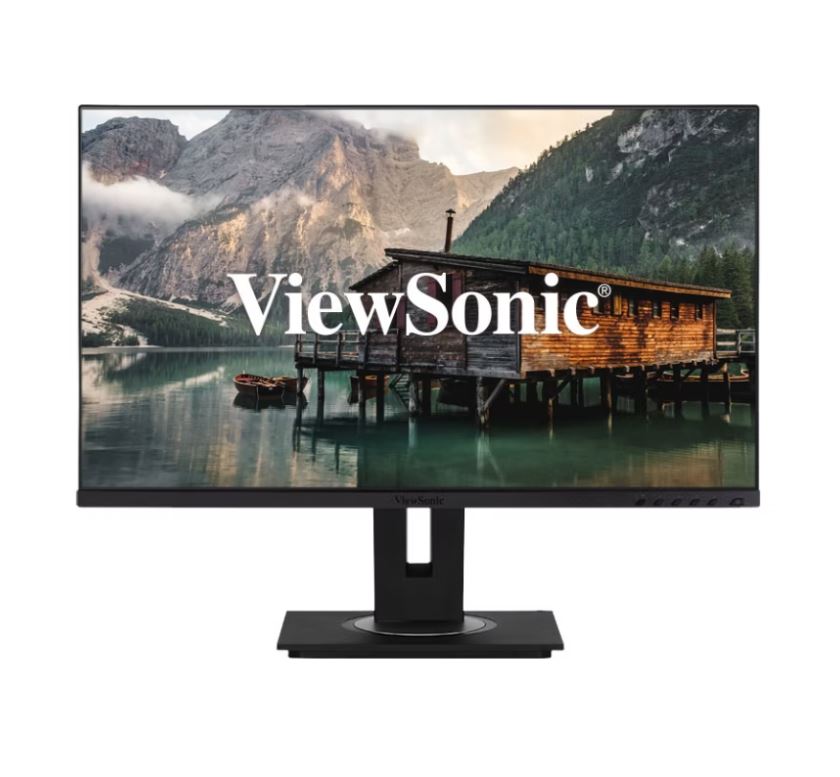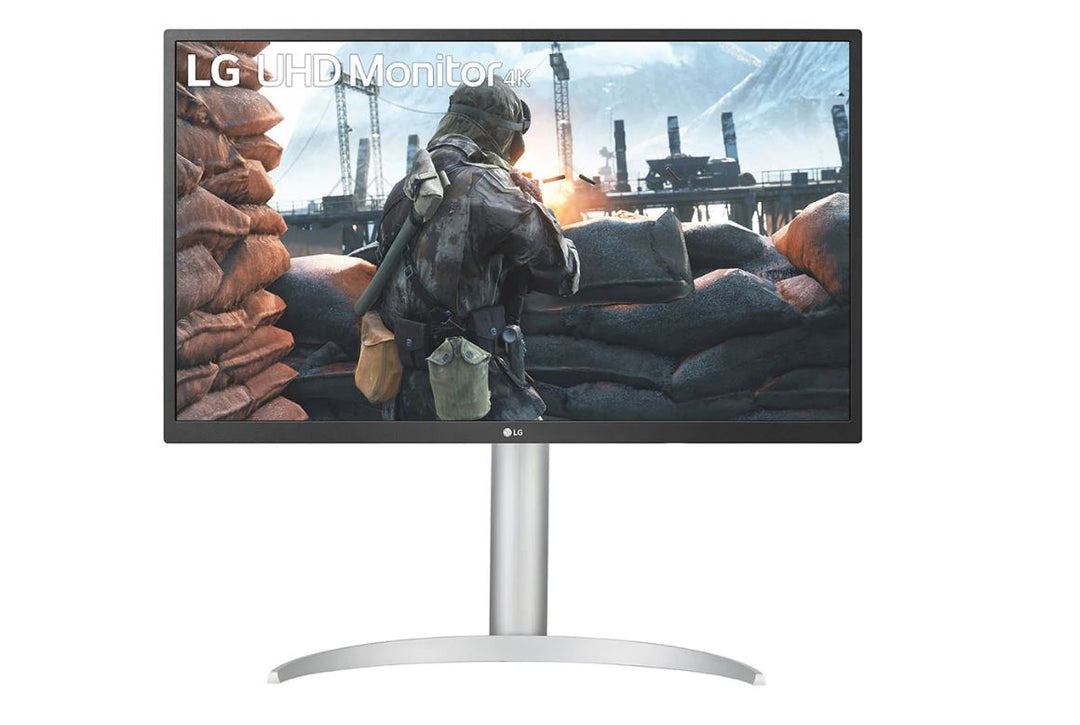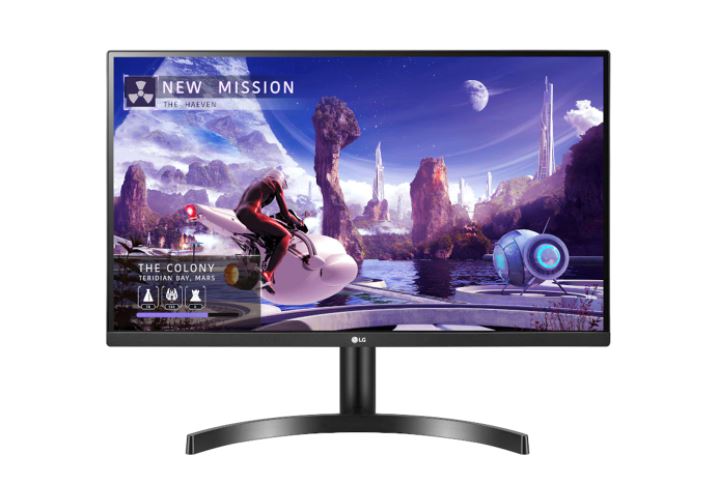

Explore 27-inch to 31-inch monitors at WorldTech for work, home offices and gaming setups. Compare screen dimensions, resolution and performance specifications to choose a monitor that suits your workspace, viewing distance and computer.
Plan your larger-screen setup
- Desk space and viewing distance: Check overall width, height and stand depth to allow comfortable positioning, particularly when using more than one screen.
- Resolution and workspace: Compare native resolution alongside screen size. Consider text scaling and the space needed for documents, spreadsheets and multiple application windows.
- Panel and colour specifications: Review brightness, viewing angles and colour coverage against your everyday tasks or creative requirements.
- Gaming performance: Compare refresh rate, response time and adaptive-sync support. Confirm your graphics hardware can deliver the resolution and refresh rate you intend to use.
- Connections and USB-C: Match available inputs to your computer and check cable requirements. Where USB-C is included, verify video support and power-delivery specifications.
- Ergonomics and mounting: Check stand adjustments, VESA compatibility and monitor weight before selecting an arm or mount.
Features and included accessories vary by model. Review individual specifications and compatibility before purchasing.